
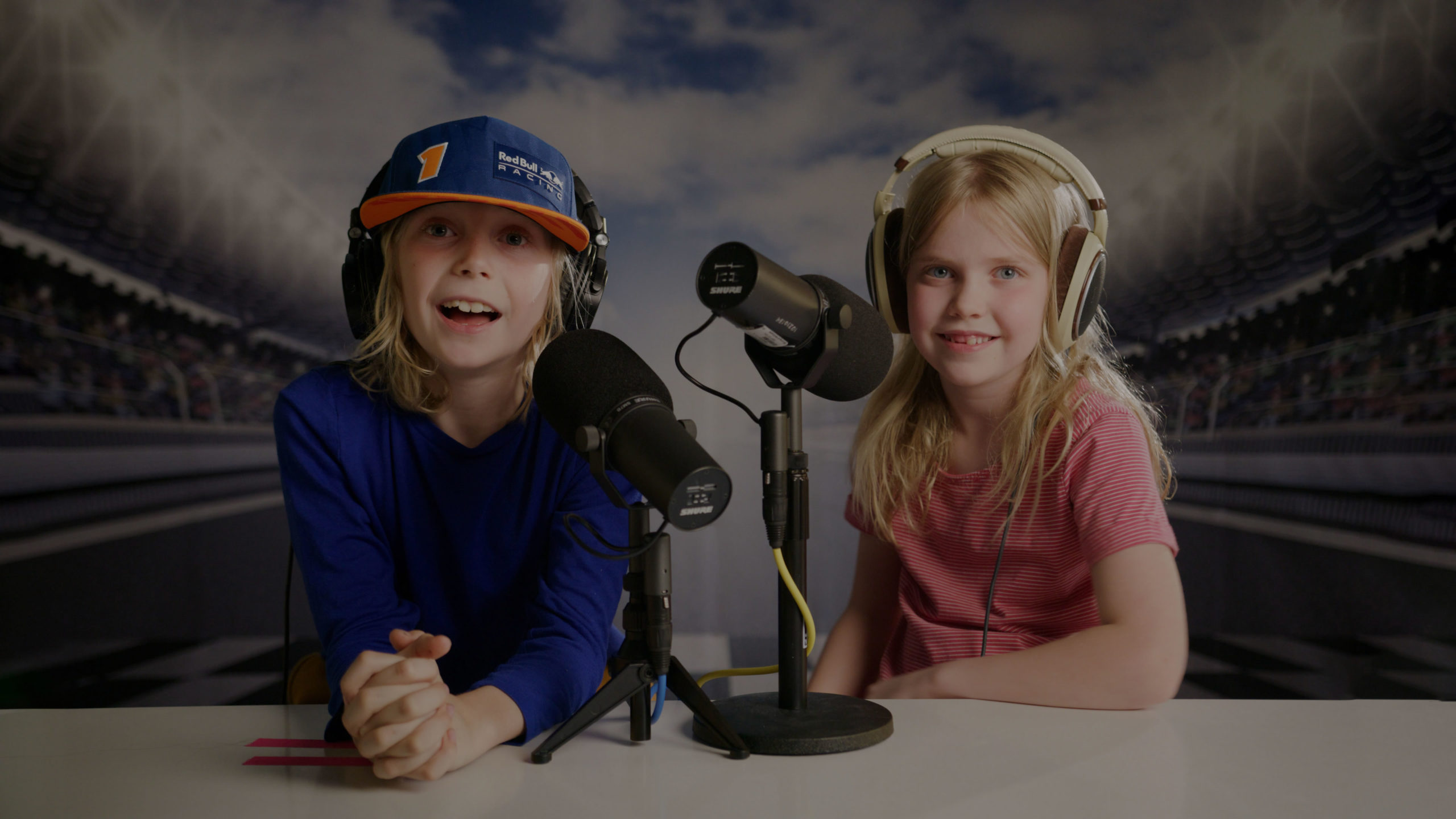

Kesler and his Dad recap the 2023 Formula One Austrian Grand Prix weekend. Topics discussed include the Sprint race, track limit struggles from almost all the drivers, the need for Ferrari to unleash Sainz’s full potential, Max’s unwavering competitive spirit, and much more.
Latest episodes
Kesler and his special guest Brooke go over everything you need to know to become familiar with F1 race weekends. They discuss each of the three practice sessions and their purpose, each qualifying segment with who stays and who goes, and finally, the race!

Kesler and his Dad recap the 2023 Formula One Canadian Grand Prix. Topics discussed include Kes’ inaugural podcast experience, Ferrari’s 4th/5th place finishes, Alex Albon’s amazing defending, George Russell’s persistence, and much more.
Welcome to F1 for Kids, a podcast for kids and by kids. Do you know of any junior F1 enthusiasts who are chomping at the bit to learn all they can about the sport? Then look no further and have them join 10-year-old Kesler Sauvé, a go-kart racer and Formula 1 enthusiast, as he covers a variety of the sport’s topics with his Dad and other special guests.